

Documentation Index
Fetch the complete documentation index at: https://docs.context.markets/llms.txt
Use this file to discover all available pages before exploring further.
Make your first trade
Ready to make a prediction? This guide walks you through buying and selling outcome tokens on Context.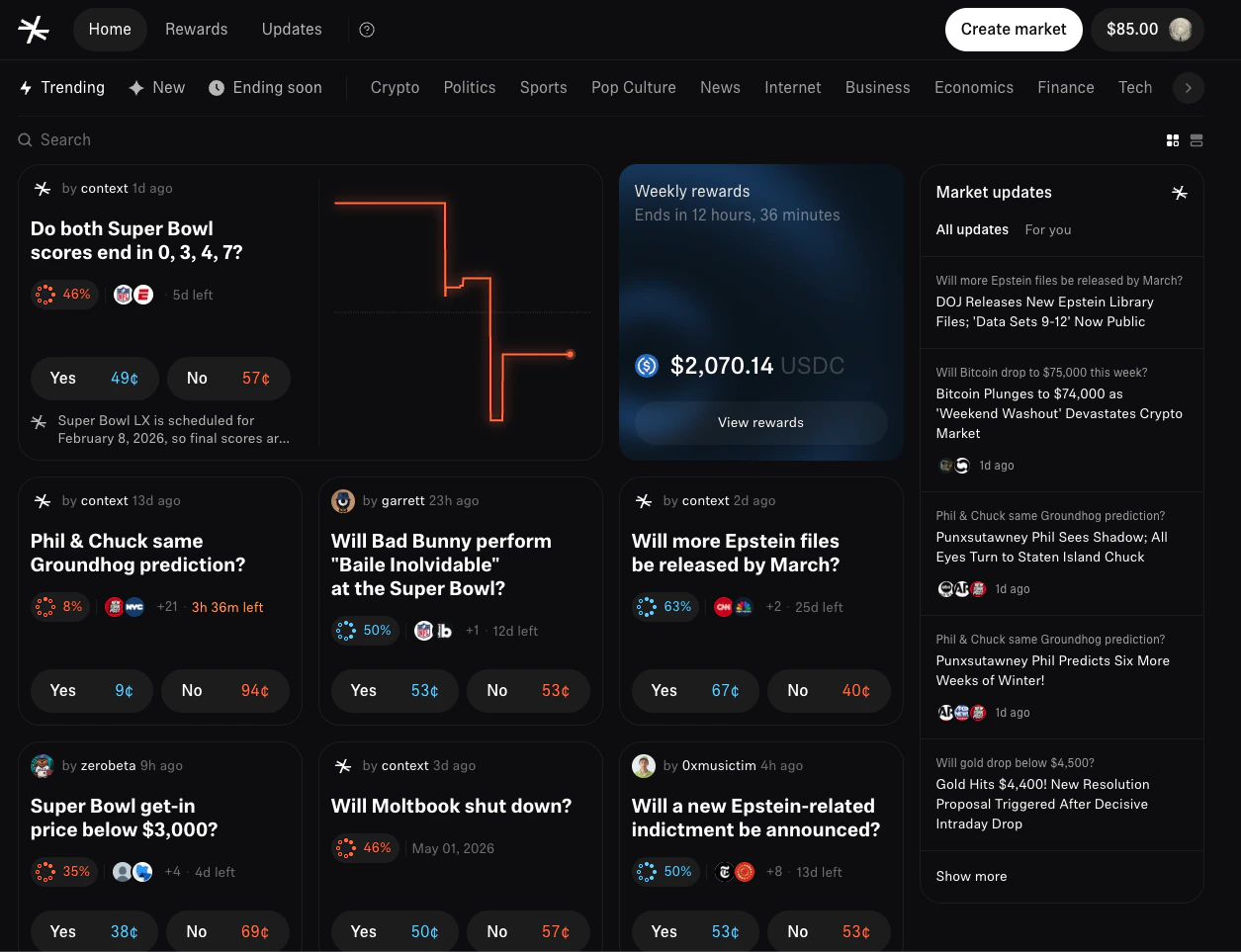
Find a market
- Browse the markets page or use search
- Click on a market that interests you
- Read the market question and resolution criteria carefully
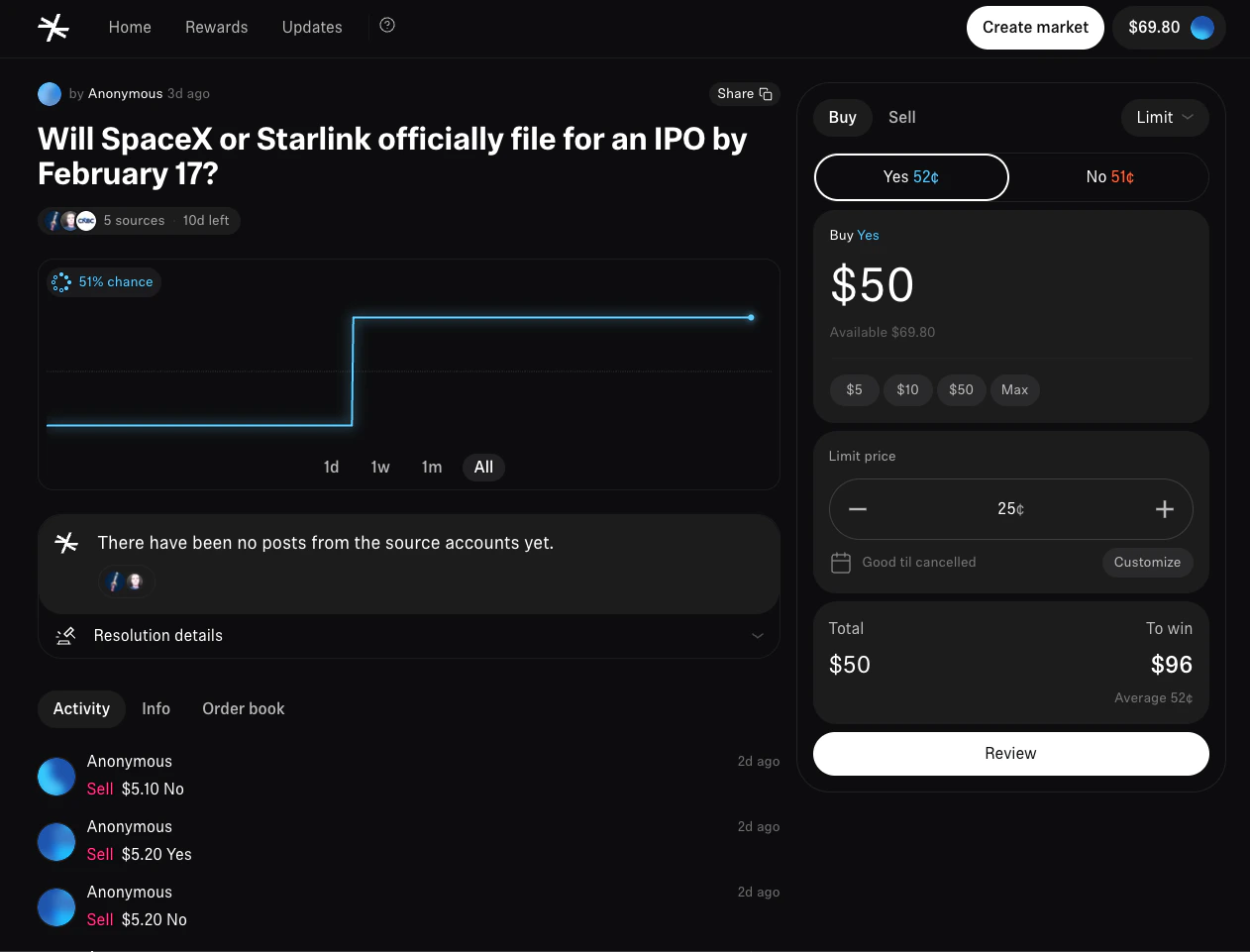
Understanding the market page
When you open a market, you’ll see:- Question - What the market is asking
- Current prices - What Yes and No are trading at
- End time - When the market will resolve
- Volume - Total amount traded
- Orderbook - Buy and sell orders from other traders
Order types
Context supports two order types:| Order type | How it works | Best for |
|---|---|---|
| Market | Executes immediately at the best available prices | Quick trades in liquid markets |
| Limit | You set the price and wait for a match | Getting a specific price, larger trades |
Market orders
Market orders fill instantly by matching against existing limit orders in the orderbook.- Click Buy or Sell on the market page
- Make sure Market order is selected
- Select your outcome: Yes or No
- Enter the amount you want to spend (in USDC)
- Review the order preview and click Confirm
Limit orders
Limit orders let you set the exact price you want. Your order sits in the orderbook until someone takes the other side, you cancel it, or it expires.- Click Buy or Sell on the market page
- Toggle to Limit order
- Select your outcome: Yes or No
- Enter your price (0 to 99 cents)
- Enter the number of shares
- Review the total cost and click Place order
Sell outcome tokens
Already holding tokens? You can sell them at any time before the market resolves.- Go to the market page and click Sell
- Select which outcome tokens to sell
- Enter the amount or click Max
- Choose market or limit order
- Click Confirm
Managing your orders
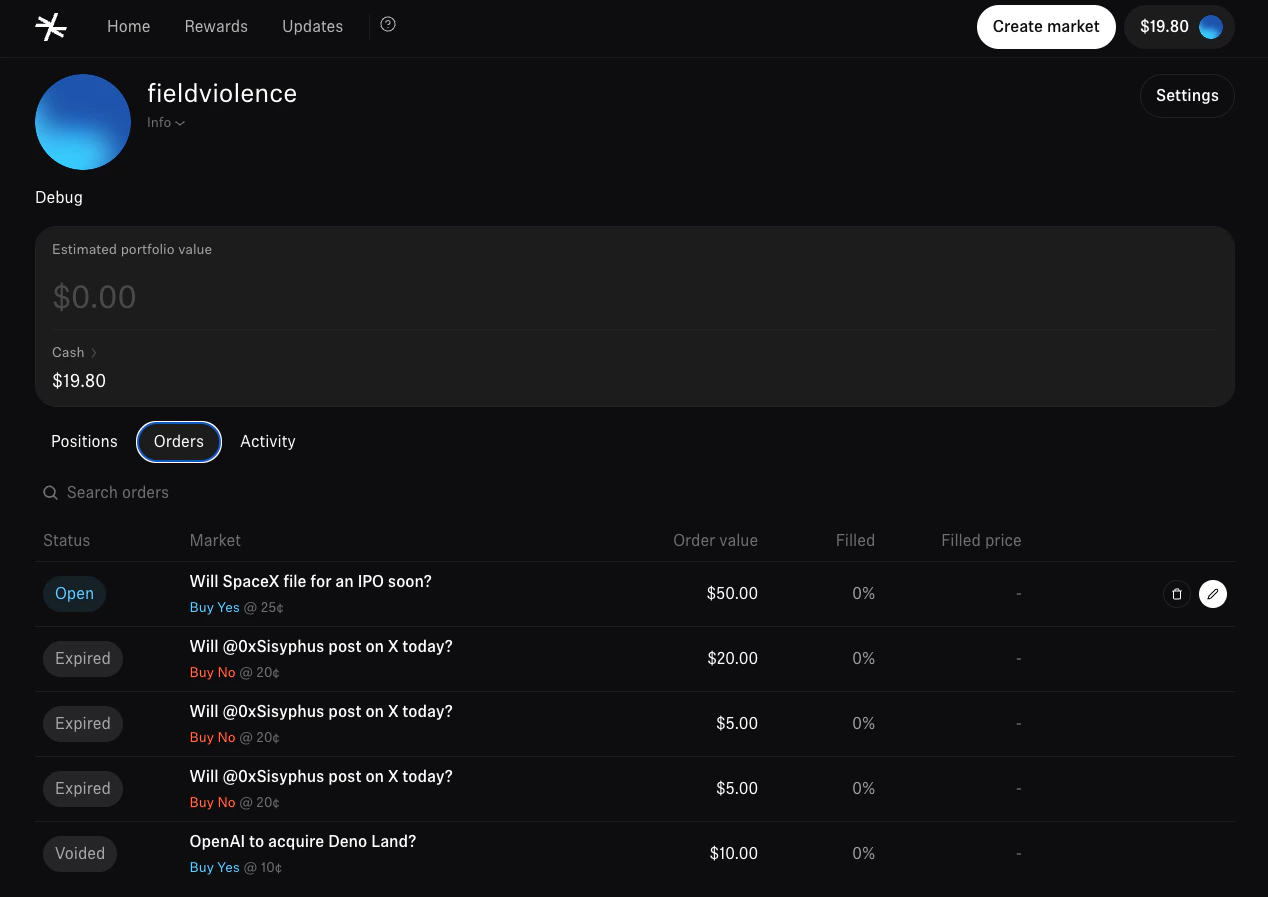
View open orders
Check your open limit orders on the market page under “Your orders”, or in your profile’s Orders tab.Cancel an order
Find the order and click Cancel. Your locked collateral is returned immediately.Order states
| State | Description |
|---|---|
| Open | Active in the orderbook, waiting for matches |
| Partially filled | Some shares filled, rest still open |
| Filled | Completely filled |
| Cancelled | You cancelled the order |
| Expired | Order passed its expiry time |
Check your positions
- Click your avatar in the top right
- Select Portfolio
Collecting winnings
When a market resolves, winnings are automatically credited to your holdings balance — the same balance you trade from. Winning tokens are worth $1 each. Losing tokens expire worthless. You can use your winnings to trade immediately or withdraw to your wallet at any time.Tips for new traders
- Start small — Get comfortable with the mechanics before sizing up
- Read the criteria — Make sure you understand exactly what needs to happen for Yes/No to win
- Check the spread — A wide gap between best bid and ask? Use a limit order
- Use limit orders for size — Better prices, especially in less liquid markets
- Set sensible expiry times — Short (1 hour) for active trading, long (1 week) for passive orders
What’s next?
How markets work
Prices, orderbooks, and more
How markets resolve
Learn about the resolution process